


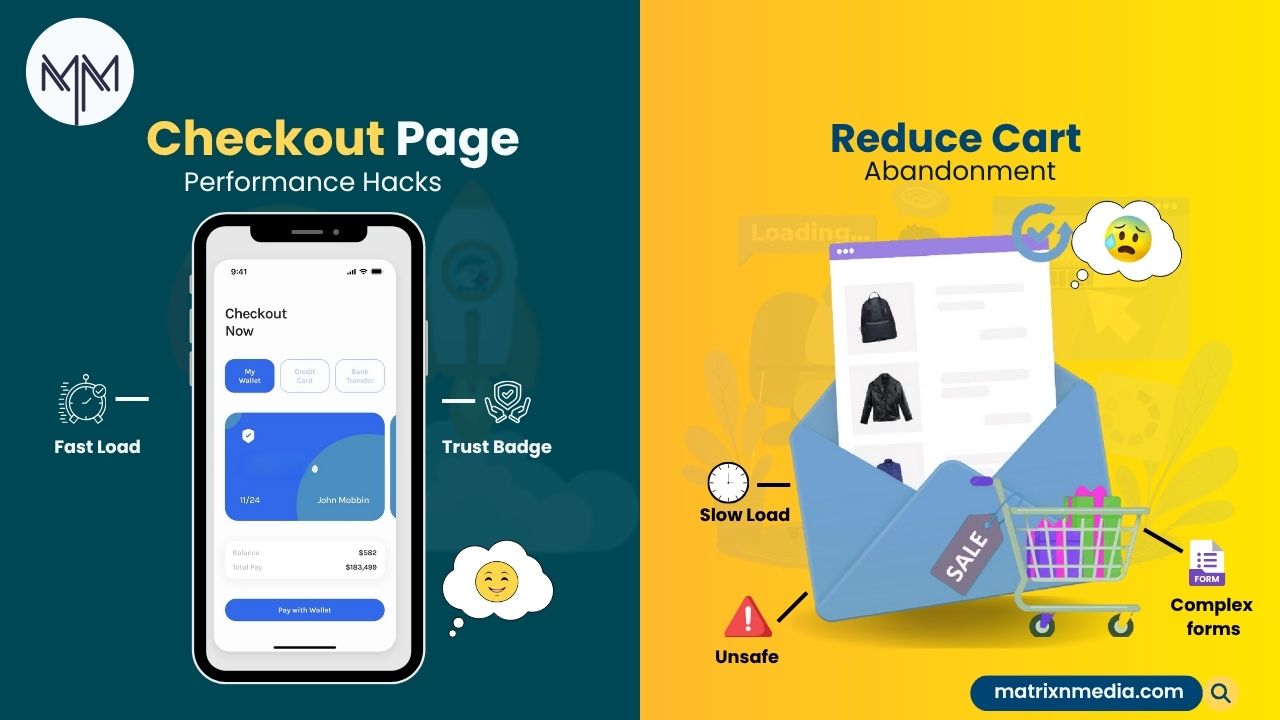
Every e-commerce business owner knows the frustration: customers fill their carts, proceed to checkout, and then disappear. Matrix Media Solutions has seen this story play out countless times across our client portfolio.
The average cart abandonment rate hovers around 70%, and while there are many reasons customers bail, checkout page performance is often the silent killer of conversions.
Here’s the hard truth: if your checkout page takes more than three seconds to load, you’re hemorrhaging revenue. Modern consumers have zero patience for sluggish experiences, especially when they’re ready to hand over their hard-earned money. Let’s dive into the performance hacks that actually move the needle on cart abandonment rates.
The Imperitiveness of Website Speed
Before we get tactical, let’s establish why checkout performance deserves your immediate attention. Research consistently shows that a one-second delay in page load time can reduce conversions by 7%. On a checkout page where customers are already on the fence, that delay could be the difference between a sale and an abandoned cart.
Our developers at Matrix Media Solutions have optimised hundreds of checkout flows, and the pattern is always the same: faster checkouts convert better. A slow, clunky checkout experience signals unprofessionalism and raises security concerns right when customers are most vulnerable.
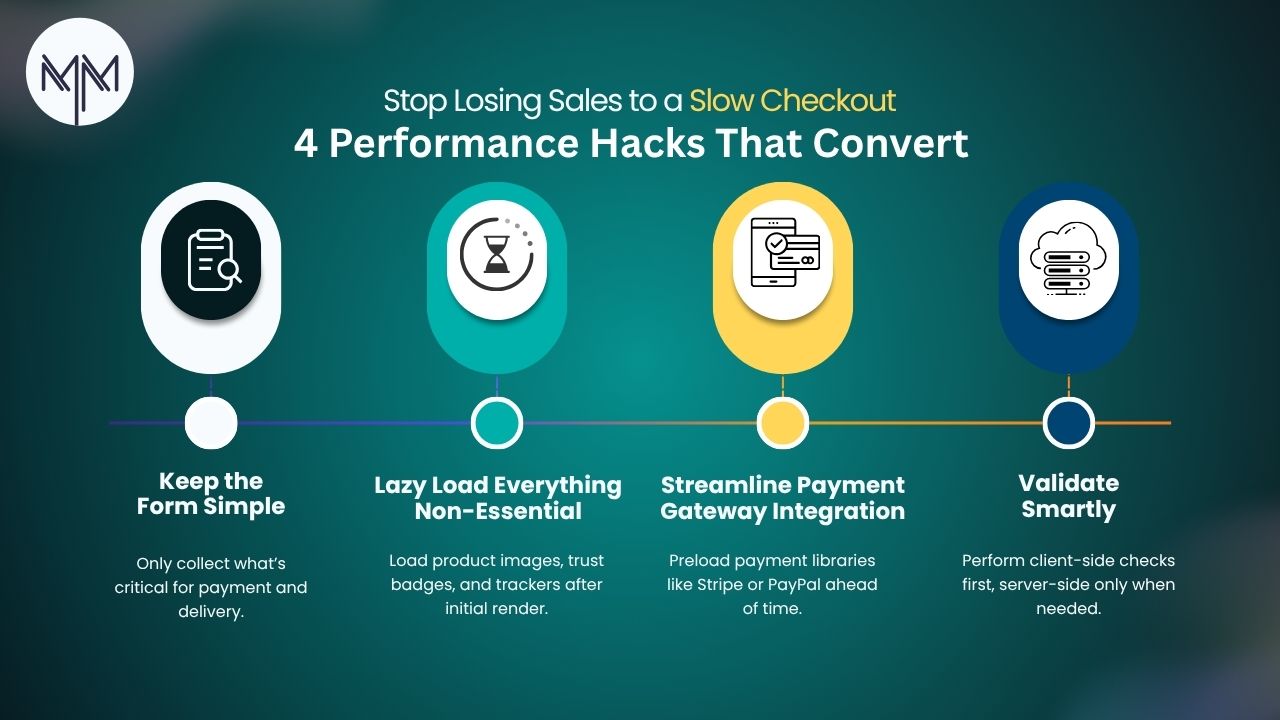
Hack #1: Ruthlessly Optimise Your Form Fields
Your checkout form is probably bloated. We see it constantly—businesses asking for information they don’t need, creating unnecessary friction. Every additional form field increases cognitive load and processing time.
Strip your checkout down to the absolute essentials. Do you really need that phone number immediately? Can the marketing newsletter signup wait until after purchase? Each field you eliminate reduces both page weight and completion time.
From a technical perspective, implement smart autofill attributes using HTML5 autocomplete values. This lets browsers populate fields instantly, dramatically reducing the time customers spend typing. Use proper input types (email, tel, postal-code) so mobile keyboards display the right layout automatically.
Progressive disclosure is another powerful technique. Instead of overwhelming customers with every field at once, reveal them as needed. This creates a perception of speed even if the total time remains constant, because customers feel momentum rather than facing a wall of empty boxes.
Hack #2: Lazy Load Non-Critical Resources
Your checkout page doesn’t need everything to load simultaneously. Identify what’s critical for the initial render—the form, basic styling, essential security badges—and defer everything else.
Implement lazy loading for images, especially trust badges, product thumbnails, and promotional banners. These elements add credibility but aren’t required for the actual transaction. Let them load after the critical path is complete.
Third-party scripts are notorious performance killers. Chat widgets, analytics trackers, social media pixels—they all add latency. Use a tag manager to load these scripts asynchronously and consider whether you even need them on the checkout page. We’ve seen checkout pages carrying 20+ third-party scripts that serve no purpose at that stage of the funnel.
Hack #3: Implement Smart Caching Strategies
Caching is crucial for checkout performance. While you can’t cache the entire checkout due to personalisation and security requirements, you can cache static assets aggressively.
Set long cache lifetimes for CSS, JavaScript, and image files. Use cache busting with versioned filenames so updates don’t break cached resources. Consider implementing a CDN specifically for your checkout assets to minimise latency regardless of where customers are located.
For dynamic content, implement edge caching for elements like shipping options, payment method icons, and country/region data. These rarely change but get requested constantly. Serving them from edge locations close to your users can shave hundreds of milliseconds off load times.
Hack #4: Optimise Payment Gateway Integration
Payment gateways are essential but often poorly implemented. The key is to minimise the number of round-trip requests between your server, the customer’s browser, and the payment processor.
Use tokenisation to handle sensitive payment data directly between the customer and payment processor, bypassing your server entirely. This not only improves security but reduces latency because you’re eliminating a hop in the chain.
Preload payment gateway resources while customers are still on previous pages. If you know they’re heading to checkout, start loading Stripe, PayPal, or your preferred processor’s JavaScript libraries in the background. By the time they reach the payment step, everything is already cached and ready.
Consider the visual weight of your payment integration, too. Some payment gateways load heavy iframes that block rendering. Test alternatives and choose providers that offer lightweight, performant integration options.
Hack #5: Minimise DOM Complexity
A bloated DOM slows down everything—rendering, JavaScript execution, and style recalculation. Checkout pages often inherit complex layouts from the main site, carrying unnecessary markup that serves no purpose at this critical stage.
Audit your checkout DOM and eliminate every element that isn’t essential. Remove navigation menus, footers with dozens of links, sidebar widgets, and promotional content. The checkout page has one job: converting carts to orders. Everything else is baggage.
Use simpler CSS selectors and minimise the cascade. Every time the browser recalculates styles, complex selectors cost milliseconds. On checkout, those milliseconds compound into noticeable delays, especially on mobile devices with limited processing power.
Hack #6: Implement Smart Validation
Real-time form validation improves user experience, but when implemented poorly, it becomes a performance liability. Debounce your validation functions so they don’t fire on every keystroke. A 300-500ms delay is imperceptible to users but dramatically reduces unnecessary processing.
Validate on the client side first before making server requests. Simple checks like email format, required fields, and credit card number length can happen instantly without network latency. Reserve server-side validation for complex operations like address verification or promo code checks.
When you do need server validation, batch requests where possible. Instead of checking the promo code, shipping address, and payment details in three separate requests, validate everything in one round trip.
The Bottom Line
We’ve learned that checkout optimisation is about methodically identifying and eliminating bottlenecks. Start by measuring your current performance using tools like Lighthouse, WebPageTest, or Chrome DevTools. Establish your baseline, then implement these hacks systematically, measuring impact after each change.
Remember: every second you shave off your checkout load time directly impacts your revenue. The investment in performance optimisation pays for itself quickly through reduced abandonment and increased conversions. Your customers are ready to buy, make sure your checkout is ready to let them.
 May 02, 2025